Basic Load Balancer Configuration Using Nginx

Written by
Admin
Admin
Updated on
February 28, 2024
February 28, 2024
Nginx load balancer is a feature in Nginx that allows you to evenly distribute web traffic among multiple backend servers or nodes, helping to improve the performance, availability, and scalability of a website or application.
Nginx load balancer acts as the incoming for user requests, and then distributes those requests to available backend servers. This can be done based on certain algorithms, such as round-robin, least connections, or weighted distribution, according to our needs.
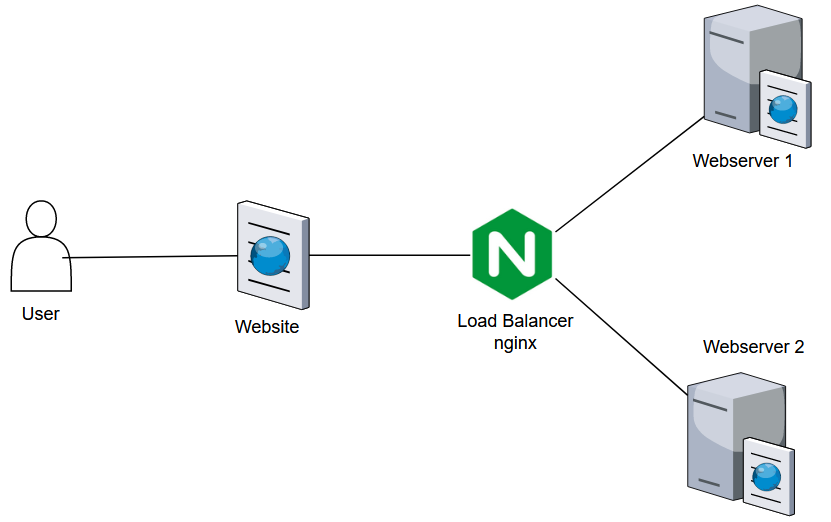
In this configuration using the Round Robin method, here's a the topology
Requirement :
- 3 VM Ubuntu 22.04 (1 Load Balancer, 2 Webserver)
- Nginx Web Server
- Domain
use this command to install nginx
apt install nginx
systemctl enable nginx
systemctl start nginx
Then adjust the configuration to mark-off webserver 1 and 2, this configuration is set on both server
/var/www/html/index.nginx-debian.html
Restart nginx service on both node
nginx -t
systemctl restart nginx
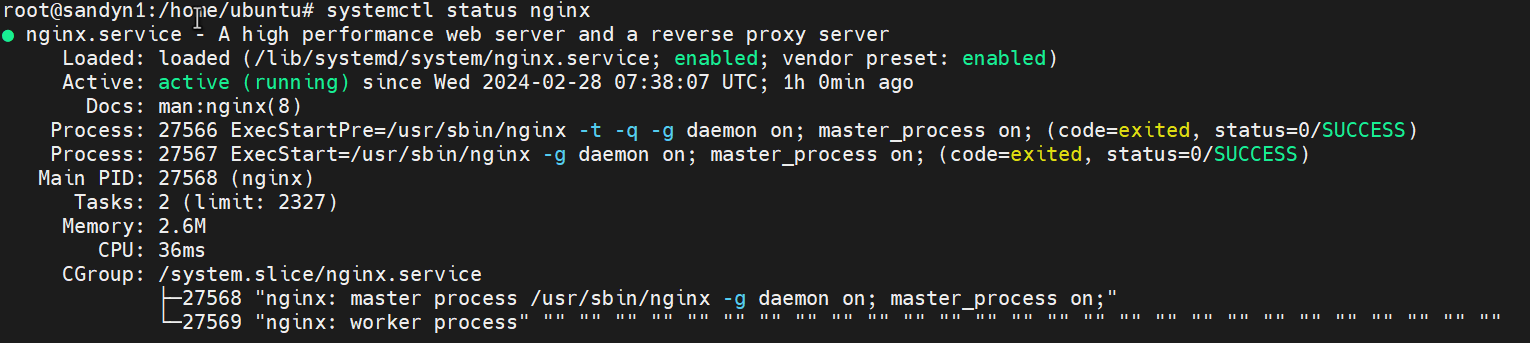
systemctl status nginx
Now we will install nginx on Load Balancer Node
apt install nginx
systemctl enable nginx
systemctl start nginx
create a config using nano or vi on this path
/etc/nginx/nginx.conf
Add this line to the configuration http
upstream backend {
server <masukan ip webserver 1>;
server <masukan ip webserver 2>;
}
server {
listen 80;
server_name lb.sandyputu.my.id;
location / {
proxy_redirect off;
proxy_set_header X-Real-IP $remote_addr;
proxy_set_header X-Forwarded-For $proxy_add_x_forwarded_for;
proxy_set_header Host $http_host;
proxy_pass http://backend;
}
}
Ex: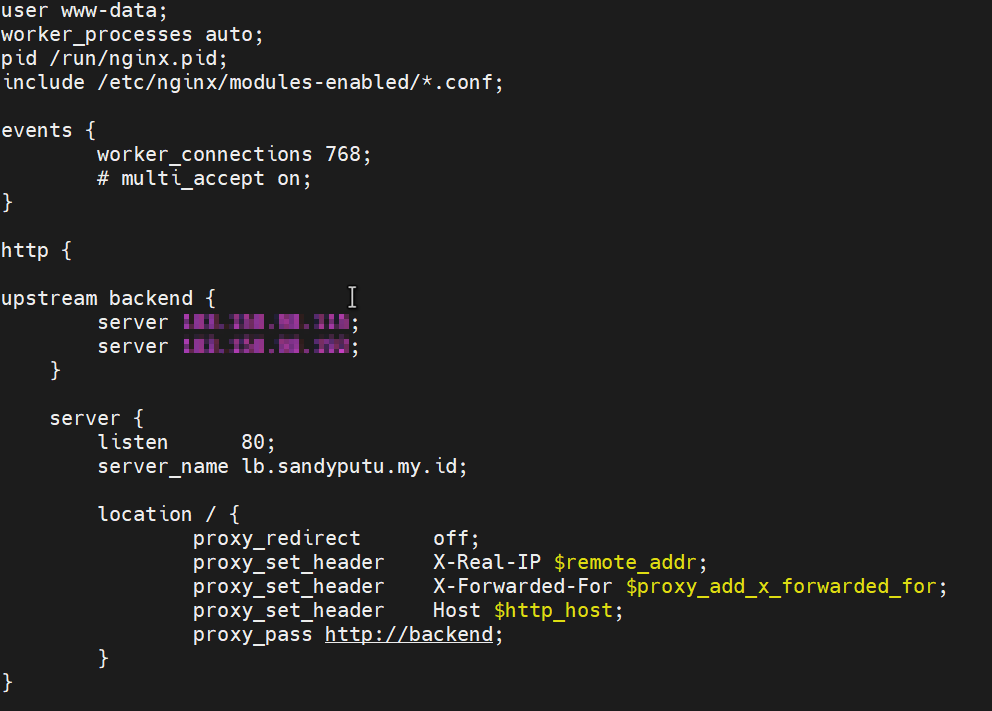
If you are done, then restart the nginx
nginx -t
systemctl restart nginx
systemctl status nginx
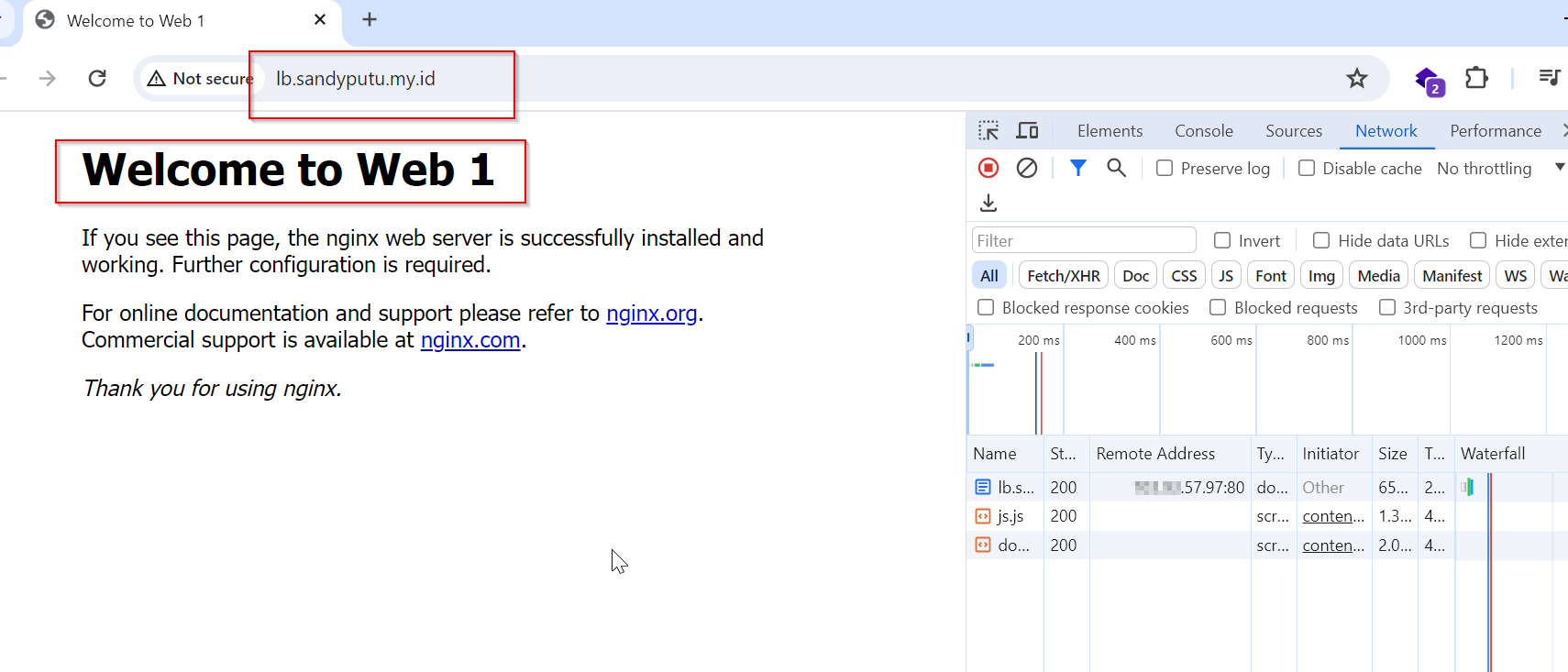
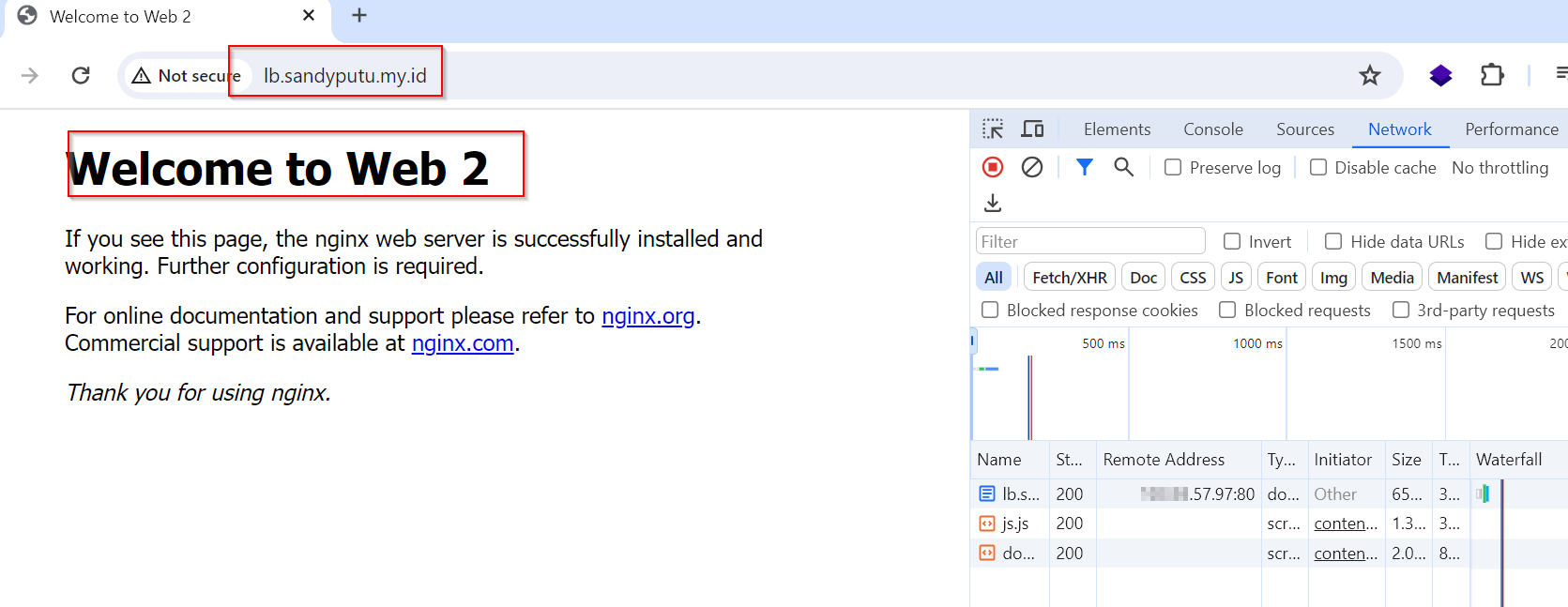
open the browser application then access to the nginx IP or access to the domain that has been pointed to the Load Balancer IP, then try periodically to reload the web, then the traffic results will change as follows.